




*Exclusions apply. By subscribing, I confirm that I am 18 years of age or older and agree that my personal information may be used by SafetyEyeglasses.com to send me news, special offers, and other marketing communications. For more details, please review our Terms & Conditions and Privacy Policy. You may unsubscribe at any time.
- Safety Glasses
Collection
Feature
Shop By

Blog
What Glasses Are Best For Working In Front Of Computers?
Do your eyes hurt at the end of a day of sitting at your workstation? Do they burn, sting, or blur? You are not the only one. We all suffer from this daily. We stare at screens for hours. Phones, laptops, tablets, and our eyes suffer as a result.
The right glasses can help ease tension. They refine focus. They protect your vision and help with sleep. But which ones are best?
This article explores all options. You’ll learn what makes the best computer glasses. Understand how computer reading glasses differ. You’ll see choices for different needs, like best computer glasses for men, and glasses that help with computer screens.
Get tips on computer glasses for eye strain and glasses for looking at a computer screen. By the end, you’ll know what glasses are good for computer use. Read on to give your eyes the care they need.
The Problem with Screens
Screens emit blue light. It is on the edge of natural light. Too much causes digital eye strain. Your eyes work harder. They blink less frequently. Tears evaporate, and you get dry eyes.
You get headaches, and your focus drifts. Your sight becomes fuzzy. You even get sleep issues. Blue light disrupts your body's rhythm. At night, it tells your brain to stay awake.
Not everybody has the same. Some do not take breaks. Others stare directly ahead. Some gaze at devices all day, every day. All leads to stress.
Normal glasses rarely work. They screen UV from the outside. But they won't block the screen. They will not protect you from glare, nor will they relieve the strain of continuous close work.
That is where the best computer glasses can be found. They prioritise screen use and reduce discomfort. These glasses protect while you work. Your eyes are less strained at the end of the day.
What Includes a Good Pair of Computer Glasses?
- First, make sure blue light filtering is present. Lenses must block harmful light. That reduces strain and is good for sleep.
- Second, a reflective coating is crucial. It decreases glare from lighting and screens. Your eyes won't have to strain so much.
- Some lenses have a little magnification or "boost." It is useful for reading off a screen and can reduce effort.
- Light frames are also significant. Big frames move down your nose. They pull and distract. A light pair feels better.
- Fit matters, and frames must fit your face. They need to be snug but not tight. You shouldn't have pressure.
- Prescription or non-prescription? If you already wear glasses, talk to your optometrist about the best prescription lenses for computer work.
- Tint, choose based on your needs. Clear lenses will do during the day. A yellow or amber tint can be warmer in the evening.
The best pair will be appropriate for your screen use. They have to fight against strain, not just look trendy. These must be comfortable, glasses for screen time, and eye strain computer glasses.

Computer Glasses Types
For work, pleasure, and everything in between, these are the greatest.
1. Blue Light Blocking Glasses
These are the most widely used. They filter or block blue light. Come in tinted or clear lenses. Clear is unobtrusive. Tints range from pale yellow to dark amber. Good for both day and night use. They lessen glare and are useful glasses for screen time.
2. Prescription Computer Glasses
Your optician designed them for near-distance viewing, such as computer screens. Anti-glare and a blue light filter are options. They give you the best view when you need vision correction.
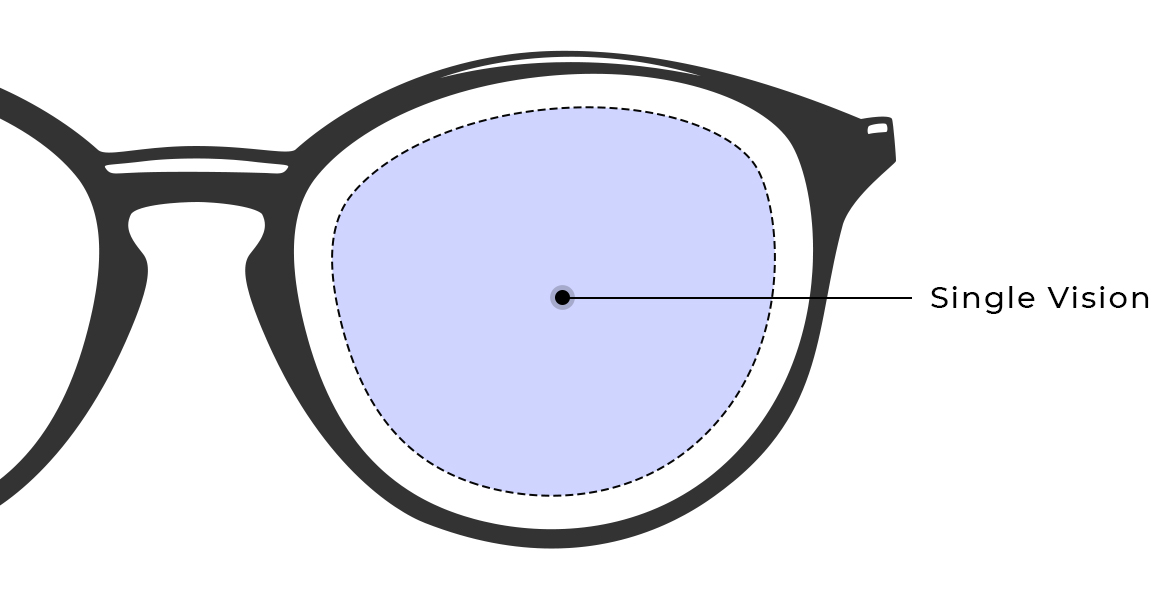
3. Anti-Fatigue or Long Single Vision Lenses
These have a small kick at the bottom. It makes focusing more convenient when you look down at your screen. They reduce eye muscle strain. Great for younger professionals or someone who doesn't need full reading glasses.
4. Gaming Glasses
- Typically amber or yellow-colored.
- Some have a larger frame, and some are headset-compatible.
- Cut blue and enhance contrast.
- It can be used for long-term use and high-luminance monitors.
These are typically called computer screen glasses for playing games or for creative work.
5. Computer Reading Glasses
Inexpensive, over-the-counter magnifiers. They make tiny text on monitors readable. These glasses are ideal if you don't have severe prescription needs. Computer reading glasses increase the words without having to lift your screen or strain your neck.
6. Photochromic Lenses (Optional Add-on)
They adapt to light, becoming transparent inside and dark outside. Convenient if you go in and out of doors a lot. Not needed if you stay behind your desk. But ideal for split indoor and outdoor use.
Each style has a function. Some provide screen protection, others aid concentration. Choose what is good for your work, comfort, and style.
Top Brands and Products Available
Let us highlight two popular brands: WileyX and Stoggles.
- WileyX has clean styling and practical elements. They offer blue light coating on clear lenses. These glasses are light and trendy frames, perfect for men and women. They are sturdy but never tight on the face. They focus most on comfort.
- Stoggles offers trendy but practical designs. They offer various styles as the best computer glasses for men, yet they do have unisex styles. Their reading styles are clear and vibrant. They may offer the best reading glasses for computers at affordable prices. Some frames even feature a light tint for added protection.
Beyond these, most of the popular brands have computer-friendly options. Blue light-filtering lenses, anti-glare coatings, and prescription reading lenses are all available from SEG. When a prescription is required, there are options for customized prescriptions with blue light filter add-ons.
When choosing computer screen protection glasses, check reviews. Ask: Do they reduce glare? Do customers end the day with less fatigue? Pair these with eye health habits, and you’ll see real benefit.
Computer Glasses vs Screen Protectors vs Software Filters
Let’s compare:
Computer Glasses
Computer glasses block blue light and glare right where it matters, at your eyes. Works on all screens.
Screen Protectors (Physical Filters)
Stick to your screen. They block light, but in the front. They create glare themselves, sometimes not portable.
Software Filters (Night Mode, Flux)
Cheap or free. Soften the blue light from the screen. Better for nights. However, they don't affect other gadgets or absorb glare; they just diminish pixels.
Glasses offer the overall best protection. Objectively shield your eyes and feel the difference.
Tool | Eye Protection | Portability | Price | Notes |
Glasses | High | Wearable | Varies | Personal comfort and style |
Screen Filters | Medium | Fixed | Low–Med | Doesn’t protect all angles |
Software Filters | Low–Medium | Installed | Free–Low | Reduces blue light only |
Common Myths About Computer Glasses
Myth 1: "They don't work."
Reality: Many users report reduced strain. One Reddit user posted:
"I've been using those glasses for the last 2 months and I have felt no strain on my eyes after long working hours."
Myth 2: "They hurt your eyes."
Truth: They don't. Light-filtering clear lenses are gentle. If you do find it painful, see a doctor, don't blame the glasses.
Myth 3: "Just for gamers."
Truth: Anyone on screens will help. Office work, research, and design can all be beneficial.
Myth 4: "Tinted is always best."
Truth: Strong tints distort colors and make night driving hard. Clear or weak tints are better for many.
Myth 5: "They replace healthy habits."
Fact: No, you still need breaks, ergonomic alignment, and blinking.
Use science, not Facebook. Ask your doctor if unsure. However, don't eliminate them; they can still be helpful.

Pick the Best Glasses to Wear
Use the following tricks in order to choose the right pair of glasses.
Step 1: Identify Your Needs
Ask: Are your eyes tired? Do you have prescription glasses? Is your work light or dark? Do you need reading help?
Step 2: Decide on the Type
Need total screen comfort? Use the best computer glasses with transparent lenses. Need reading help? Use computer reading glasses or prescription midpoint lenses.
Men prefer stronger frames. Look for the best computer glasses for men's styles. Women may prefer lighter or fashion frames; choose what feels most comfortable.
Step 3: Check the Labels
Look for a blue light filter and anti-glare. Review return policies if shopping online.
Step 4: Set Your Budget
It doesn't have to cost much. Screen time glasses can be found for under $50. Pricier can mean added coatings or a name brand. Attempt to find value versus comfort.
Step 5: Try and Test
Wear them when you work. Do your eyes feel better? Is glare reduced? Can you read the tiny print? Do they solve eye strain glasses issues?
Step 6: Keep Them
Wipe with a microfiber cloth. Store in a case. Replace the anti-glare over time if scratches appear.
A thoughtful choice keeps your eyes sharp and duty-ready. That's what makes them the best computer glasses for eye strain.
Pick Your Favorite Type of Frames from SEG
Do you want to protect your eyes from blue light with a pair of trendy prescription computer glasses? We provide premium lenses with AR coating, blue light blocking protection, and thin, light, high-index lens materials. We designed a stunning collection of frames to accommodate various face widths. So, whether you need or prefer something, we can give you the appropriate frame.
With a pair of properly designed computer glasses, the environment will be much more comfortable, as well as your sleep and eye protection. Remember, working and playing should never compromise your eye health. Discover our safety eyewear line and complete your order with lenses tailored to your prescription and lifestyle.

See What's New
Get an exclusive first look at our latest promotions and collections!

50% OFF on Safety Frames
When Lenses Are Purchased. Enter your email to unlock this exclusive safety eyewear deal.


Leave your comment